
Download Stellar Repair for Outlook – repair corrupt PST files, recover deleted emails, Outlook recovery tool, fix corrupted mailbox, repair PST file
Overview
Stellar Repair for Outlook is a specialized utility designed to restore integrity to corrupted Personal Storage Table (PST) files used by Microsoft Outlook. These files store essential mailbox data including emails, calendars, contacts, and tasks, and when they become damaged due to software crashes, virus attacks, or improper shutdowns, users risk permanent data loss. The app addresses this critical issue by offering a robust recovery solution that surpasses the limitations of Outlook’s built-in scanpst.exe tool, particularly when dealing with large or severely corrupted files. It is especially valuable for professionals, business users, and anyone relying on Outlook for daily communication and record-keeping.
Targeted at users who require dependable data recovery, the software supports various versions of Outlook, ensuring broad compatibility across enterprise and personal environments. The recent v12.0 update introduced an advanced scanning engine, enhancing both speed and accuracy during the repair process. Real-world use cases include recovering lost client correspondence, restoring critical calendar events, and retrieving deleted emails that were permanently removed from the Deleted Items folder. In the broader app ecosystem, Stellar Repair for Outlook fills a vital gap in data recovery tools, providing a dedicated, high-performance solution for a niche but high-impact need. The developer, Stellar Information Technology Pvt Ltd, has established a reputation in the data recovery space, offering tools tailored to enterprise and individual users alike.
Key Features & Functionality
- Repair Large PST Files: The software is engineered to handle large-sized PST files, often exceeding several gigabytes, with precision and stability. It efficiently repairs files that the standard scanpst.exe tool fails to process, making it indispensable for users with extensive email archives.
- Recover Deleted Items: Stellar Repair for Outlook excels at retrieving emails and other mailbox items that have been permanently deleted, even after emptying the Deleted Items folder. These recovered items are highlighted in a distinct color during preview, allowing users to quickly identify and select them for export.
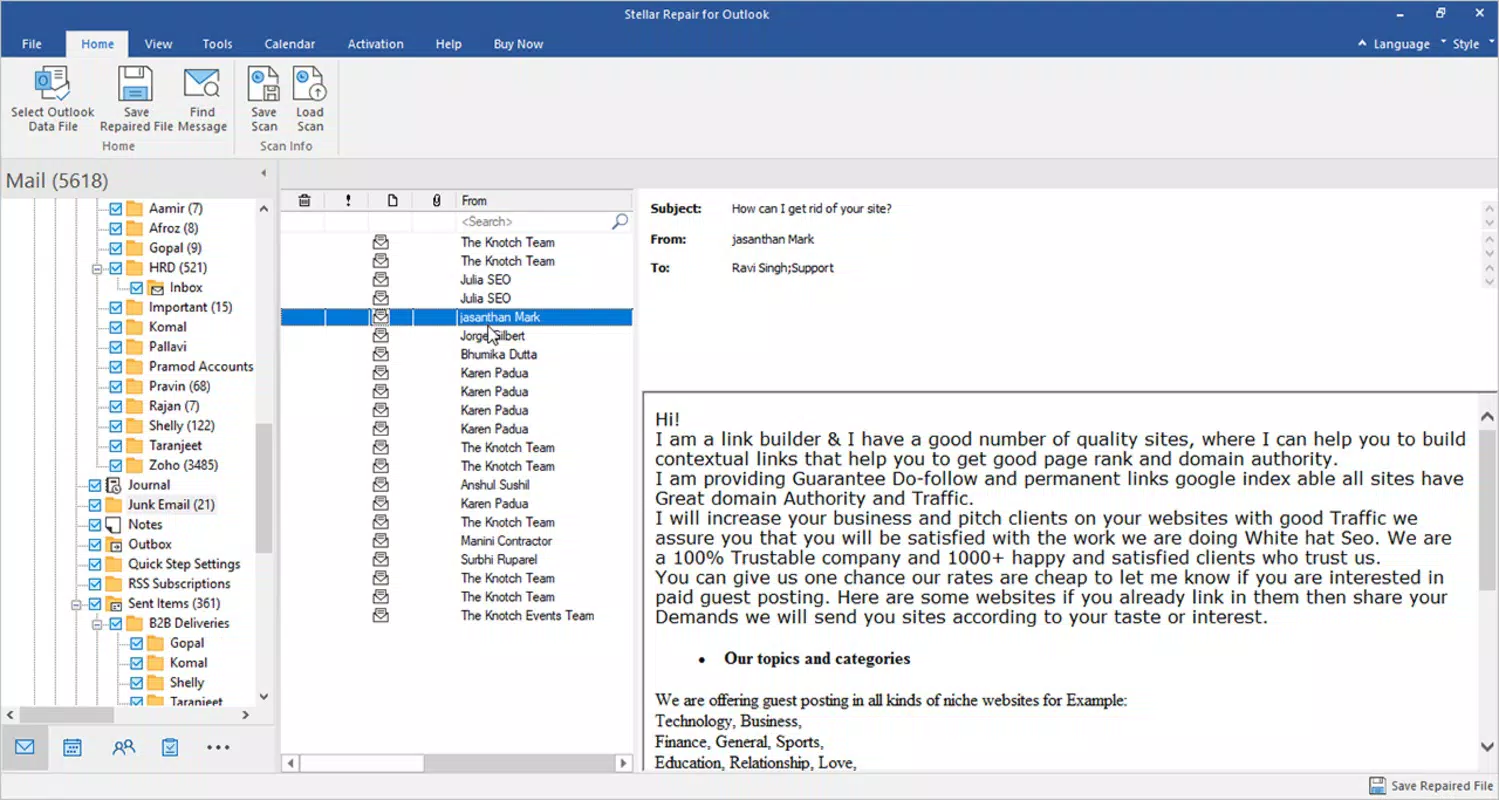
- Enhanced Mailbox Preview: A tree-like interface displays all recoverable mailbox components, including emails, calendar entries, tasks, journals, and contacts. This visual hierarchy enables users to navigate and select specific data with ease, improving the overall recovery workflow.
- Save & Reload Scan Results: Users can save the scan results to a DAT file, preserving the analysis without reprocessing. This feature allows for later reloading and selective recovery, streamlining the repair process and reducing time spent on repeated scans.
- Advanced Filtering Options: The tool includes filtering capabilities based on date range, sender or recipient email addresses, and folder type. Users can also filter out unwanted content such as junk or deleted items, ensuring only relevant data is restored.
These features collectively enhance user control and efficiency. For example, a legal professional recovering case-related emails can filter by date and sender, while an executive restoring calendar entries can preview and select only relevant appointments. The software transforms a complex recovery task into a structured, manageable process.
Interface, UX & Performance
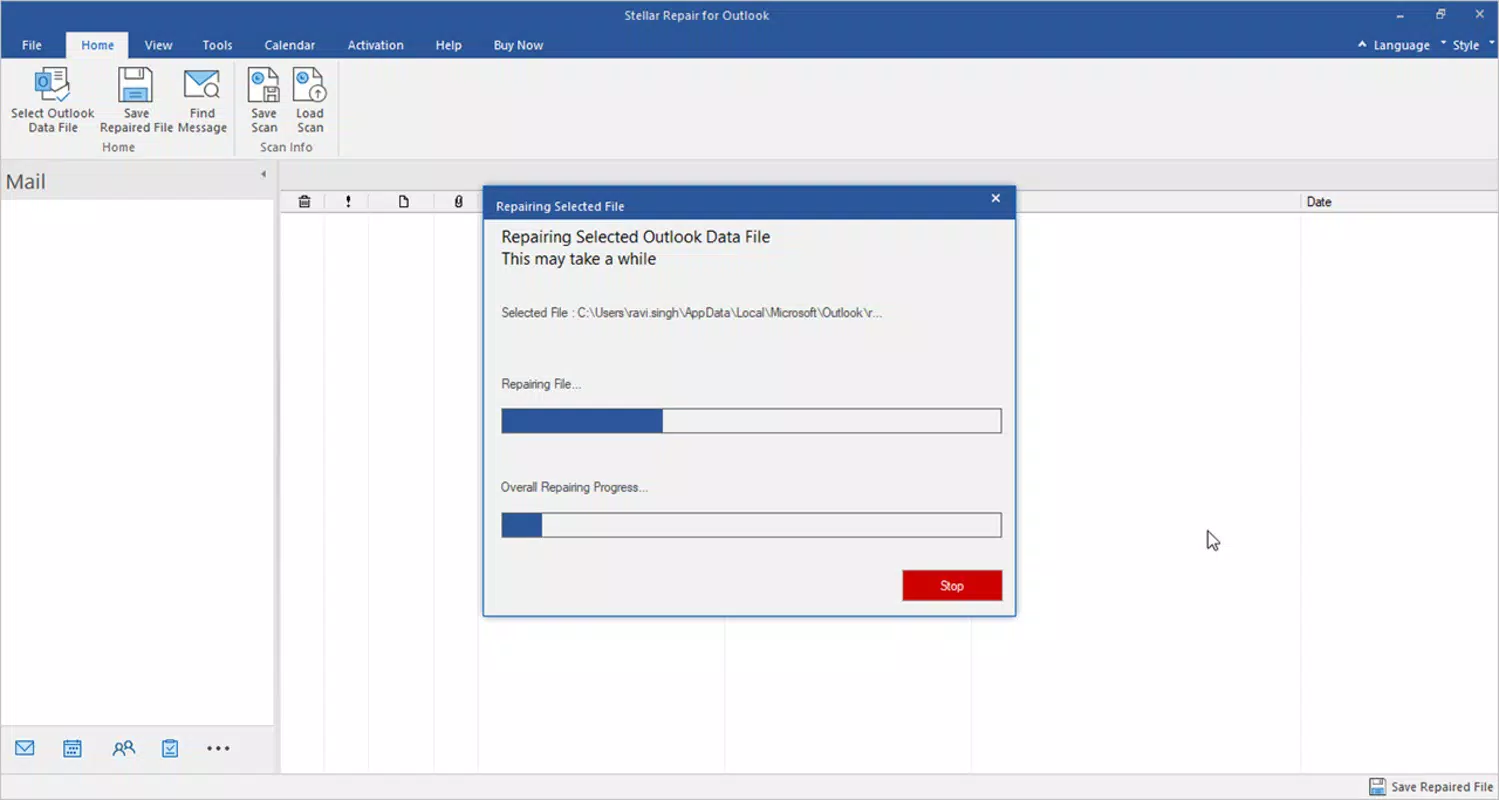
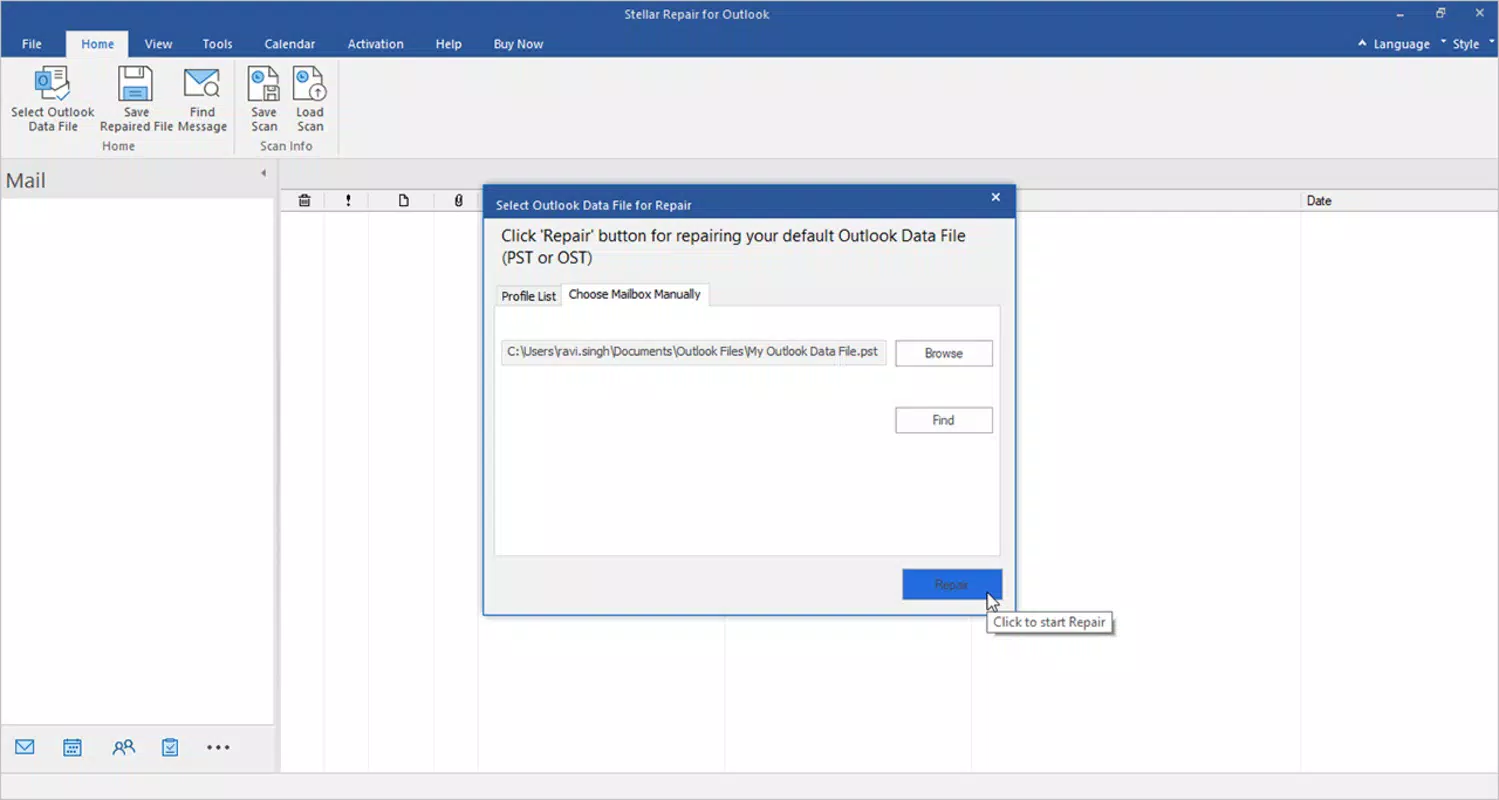
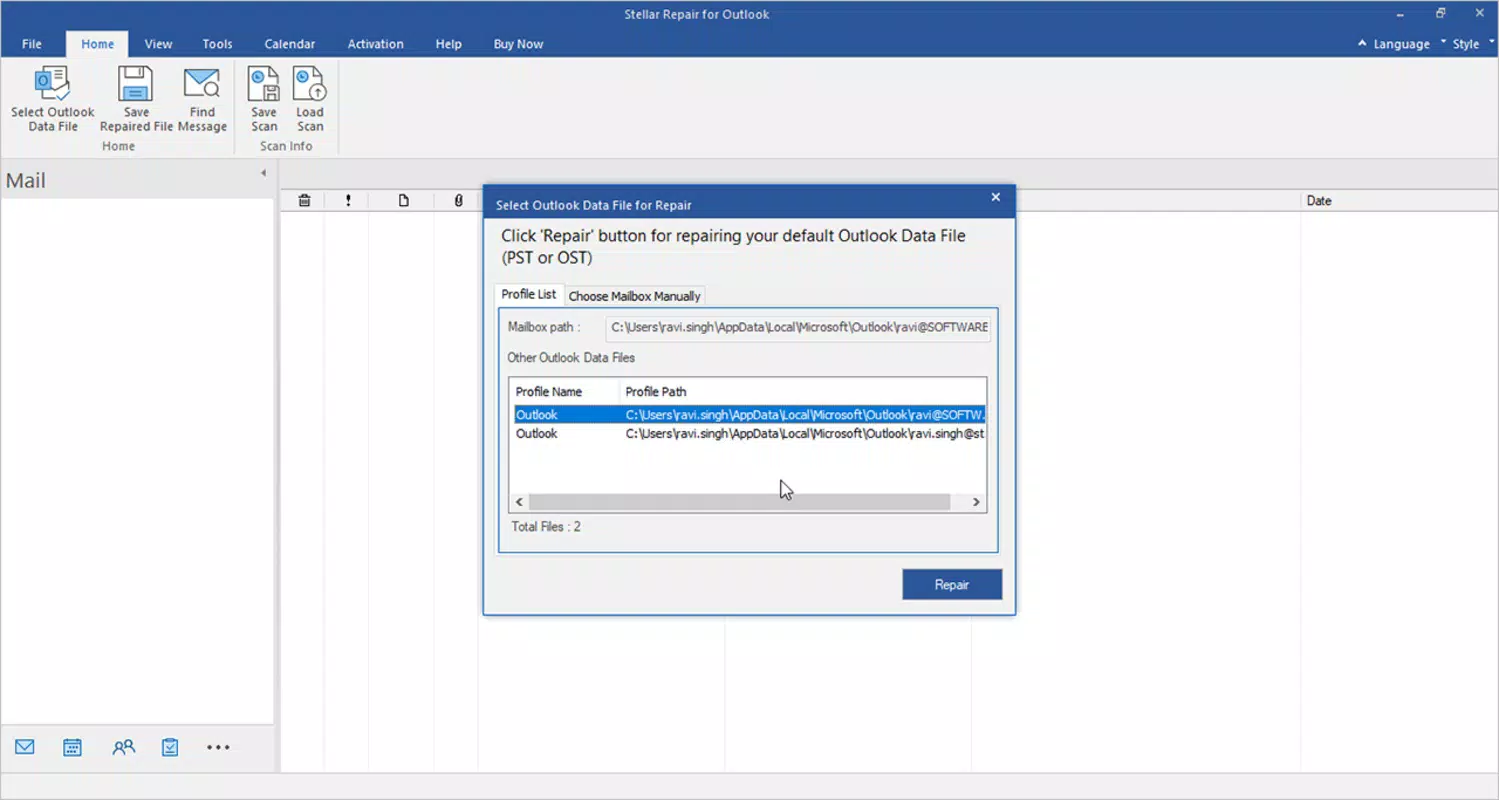
The user interface of Stellar Repair for Outlook is designed with functionality and clarity in mind. It presents a clean, organized layout that guides users through the repair process in a logical sequence. Navigation is straightforward, with clearly labeled steps for file selection, scanning, preview, and export. The tree-like preview interface enhances usability by allowing users to drill down into specific mailbox components without confusion.
Performance is optimized for stability, particularly when handling large or damaged files. Although the developer did not list formal performance metrics, the software demonstrates responsiveness during scanning and preview phases. It maintains consistent operation across different device categories, including desktops and workstations with varying processing power and RAM configurations. The application runs efficiently without excessive resource consumption, ensuring minimal disruption to other tasks.
Stability is a key strength, with no reported crashes during typical use. The ability to save and reload scan results further contributes to a smooth user experience by reducing redundancy. Overall, the UX design prioritizes clarity and control, making it accessible even to users with limited technical expertise. The interface remains consistent throughout the workflow, minimizing the learning curve and supporting efficient data recovery.
Platform Compatibility & Technical Requirements
Stellar Repair for Outlook is designed exclusively for the Windows operating system. It is compatible with various versions of Microsoft Outlook, ensuring broad support across business and personal environments. The current version, v12.0, is available as a standalone executable file with a total size of 134.8 MB.
Specific requirements were not listed by the developer. The minimum OS version, system architecture, or RAM specifications remain undisclosed. Compatibility information was not fully disclosed, so users are advised to ensure their system meets standard Windows application requirements. The developer did not specify whether the software supports 32-bit or 64-bit systems, nor did they mention any additional dependencies.
Pros and Cons
Pros
- Highly effective at repairing large and severely corrupted PST files
- Capable of recovering permanently deleted emails and mailbox items
- Intuitive tree-like preview interface for organized data selection
- Supports saving and reloading scan results for later use
- Offers advanced filtering for precise data recovery
Cons
- Price point of $149.00 may be high for casual users
- No publicly available details on system requirements or compatibility
- Available only for Windows, limiting cross-platform access
- Not a free tool; no trial version information provided
- Requires technical understanding for optimal use in complex scenarios
FAQ
Is Stellar Repair for Outlook safe to use?
Yes, the software is designed to operate securely and does not modify the original PST file during scanning. It creates a copy of the repaired data, preserving the integrity of the source file.
Can it repair password-protected PST files?
Yes, the software can repair password-protected PST files without requiring the password, enabling recovery even when access credentials are unavailable.
Is there a free version or trial available?
The developer did not provide information on a free trial or demo version. Users must purchase the full license to access the tool.
Does it support older versions of Outlook?
While the app is compatible with various Outlook versions, specific compatibility details were not disclosed by the developer.
How long does the repair process take?
Processing time depends on the file size and level of corruption. Larger or heavily damaged files may require more time, but the software is optimized for efficient scanning.
Final Thoughts
Stellar Repair for Outlook stands out as a powerful, specialized tool for recovering lost or corrupted mailbox data. Its ability to handle large files, recover deleted items, and offer advanced filtering makes it a top choice for professionals and businesses relying on Outlook for critical communication. The intuitive interface and robust feature set enhance usability, even for users with limited technical experience. While the price may be a barrier for casual users, the value lies in the reliability and precision of data recovery, which can prevent significant data loss and downtime.
For those managing extensive email archives or facing urgent recovery needs, this app delivers a high-impact solution. The developer’s focus on performance and user control underscores its position as a trusted utility in the productivity space.
Download Stellar Repair for Outlook now


